Erase Your Personal Data Before Donating a Car on Staten Island
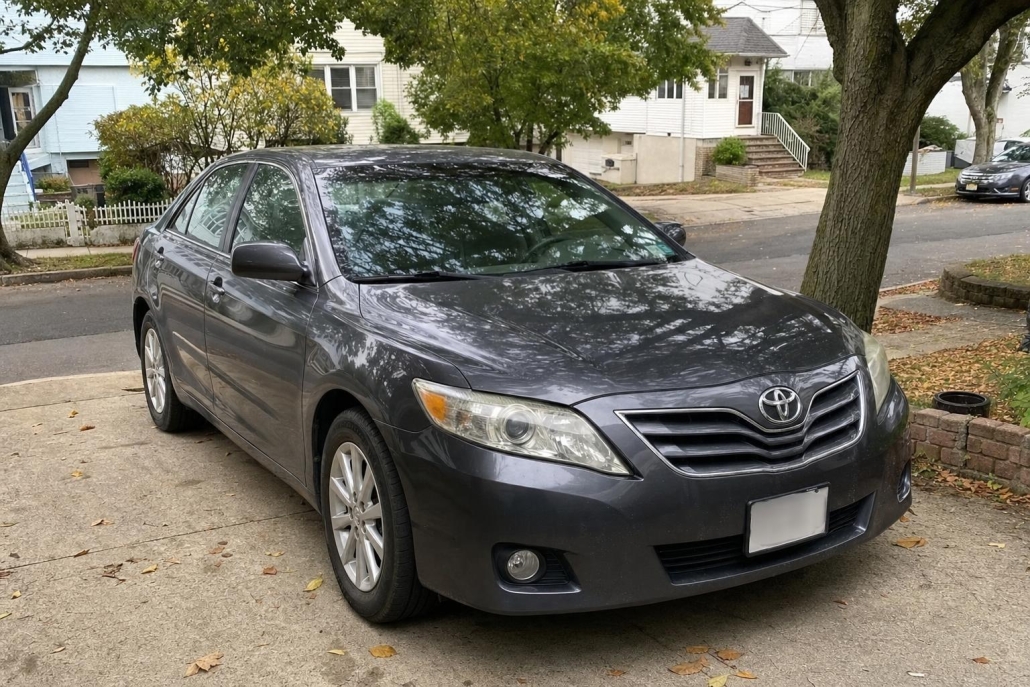
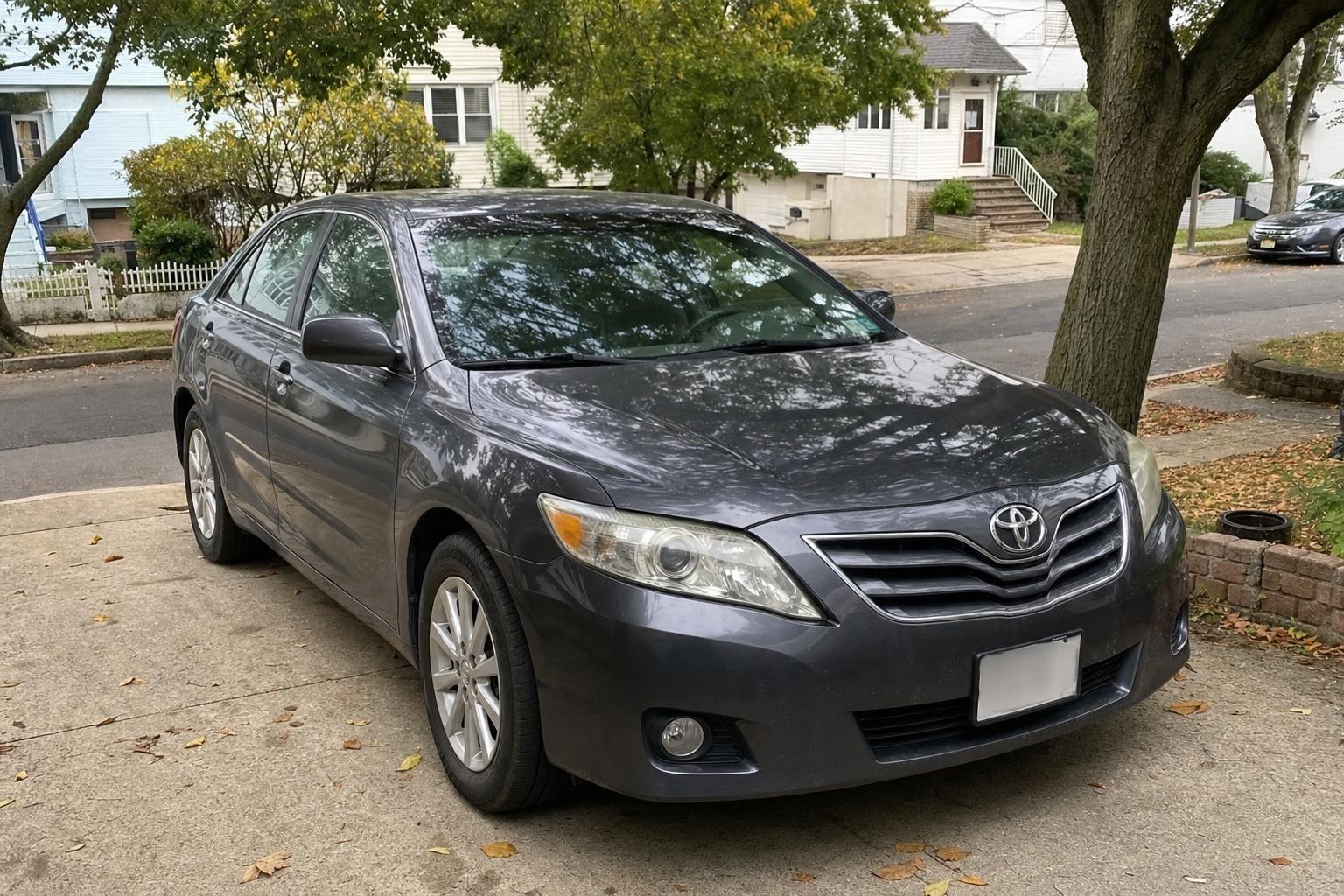
Before your staten island car donation, save the information you need, clear personal data from the vehicle, and disconnect its connected services. Your navigation system, paired phones, and vehicle apps deserve the same attention as your glove compartment. The Federal Trade Commission’s vehicle privacy checklist identifies saved addresses, contacts, app logins, and garage-door codes as information to remove before donating.
At Troops Relief Fund, we arrange free pickup at a convenient time and tow vehicles whether or not they run. Make your digital cleanup part of your own preparation before handing over the keys.
1. Save what you still need
Before deleting anything, make a short list of information you want to keep. Consider useful destinations, records you access through the vehicle app, and any personal files stored in the infotainment system. Copy needed details to a secure location you control, then check that you can open them without using the car.
- Write down useful saved addresses without retaining unnecessary trip history.
- Save any maintenance records or receipts you want for your personal files.
- Remove your USB drives, memory cards, and other personal storage devices.
- Ask other household drivers to check whether they have profiles or connected accounts to remove.
Find the owner’s manual for your exact model year and infotainment system before starting the reset. Keep those instructions available on your phone or in print.
2. Delete navigation history and paired phones
Check navigation menus for Home, Work, favorites, recent destinations, and saved routes. Clear the entries using your vehicle’s instructions. Also check for downloaded contacts, call history, saved app credentials, and programmed garage-door information. The FTC’s removal checklist can help you organize this sweep.
Remove each paired phone through the vehicle’s device settings, following the manual. On your phone, remove the vehicle’s saved connection as well. For an iPhone using CarPlay, the sequence is Settings, General, CarPlay, your vehicle, then Forget This Car, as shown in GMC’s CarPlay instructions. Use your phone manufacturer’s directions for other connection types.
3. Perform the correct infotainment reset
Use the manufacturer’s personal-data or factory-reset procedure for your particular vehicle, rather than borrowing instructions from a different model. Follow all displayed prompts and operating conditions, and allow the procedure to finish.
For example, Volvo’s factory-reset instructions vary by model and model year. Volvo states that its factory reset removes paired phones and stored data and settings. Its EX30 and EX90 models use different reset menu labels, illustrating why the exact instructions matter.
Afterward, inspect the accessible menus for your name, phone, contacts, and saved destinations. Consider keeping a private checklist of the settings you cleared. Do not reconnect your phone just to test the system.
4. Revoke connected-car access separately
Check the manufacturer’s app and online account for the procedure to remove your vehicle and end its connection to your account. Include any other household accounts linked to the car. Follow the manufacturer’s sequence, since account removal and an in-car reset may interact.
Deleting an app from your phone is not the same as disconnecting the vehicle. Ford’s connected-vehicle privacy instructions explain that deleting its app does not disable vehicle data sharing. Ford also identifies account-removal steps for vehicles with a Connectivity Device. Use the directions that apply to your own vehicle and equipment.
Review satellite radio, hotspot, and other vehicle subscriptions separately. A factory reset may leave those services active; the FTC recommends canceling or transferring them.
5. Finish your preparation before pickup
If the screen will not power on or you cannot complete a reset, contact the vehicle manufacturer or a dealer for model-specific help. You can still review account-removal options from your phone or computer while seeking assistance.
Keep digital preparation separate from arranging your donation: follow the manufacturer’s instructions for your data and accounts, and contact us to arrange vehicle pickup. Explore our Staten Island car donation options, start your donation online, or call us at 1-646-402-6102.